Video
Video
Effective Date: February 1, 2026
Last Updated: February 1, 2026
Definition
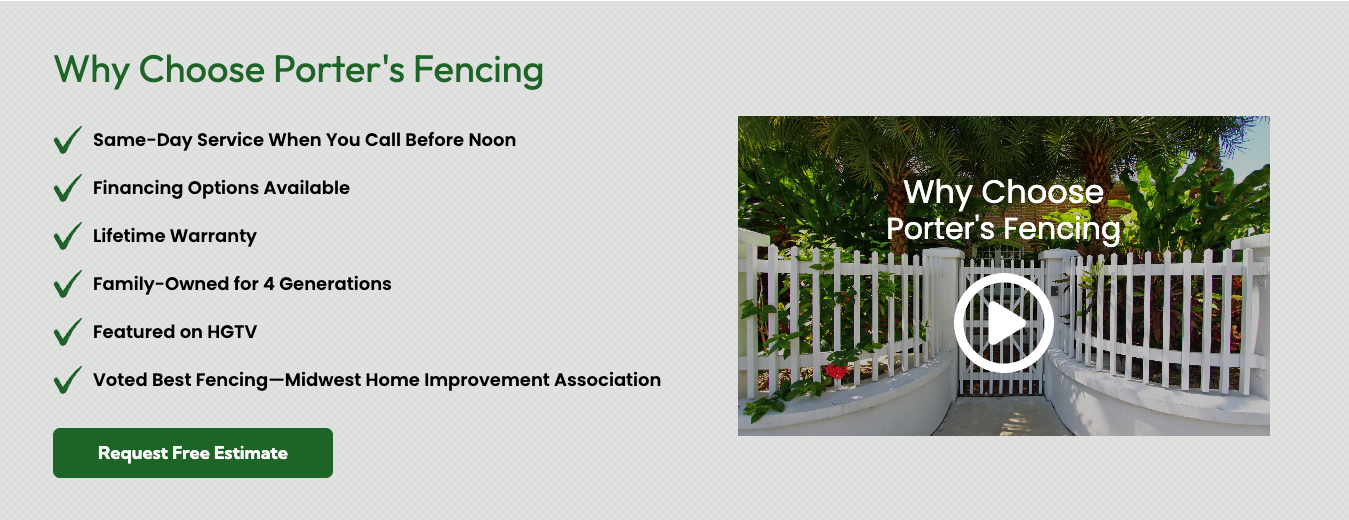
Video can be incorporated into a Hibu One Smart Site through the Video widget or through embedded third-party links from platforms such as YouTube, Vimeo, or Dailymotion, and (when embeddable) Facebook or Instagram. Videos help demonstrate services, showcase results, and support engagement when used thoughtfully.
This post covers
standard videos only. For rules on
background videos, see:
→
Background Videos
Hibu One Smart Site Rules
Accepted Video Sources
Hibu supports the following types of videos:
- Client-supplied files uploaded directly to the site
- YouTube embeds
- Vimeo embeds
- Dailymotion embeds
- Facebook / Instagram embeds, when a valid public embed link is available
All uploaded video files become accessible in the Media Manager.
Fair Use Limits (Standard Videos)
Hibu will upload or embed up to 20 total videos per site, including:

- Uploaded client video files
- Embedded videos (YouTube, Vimeo, Dailymotion, etc.)
- Hero videos
- Background videos (count toward the same 20-video total)
File & Format Requirements
- Maximum file size: 200MB per uploaded video
- Supported formats: all major types except .swf
- Hibu will rename all uploaded video files for clarity and consistency
- Hibu will
not edit, compress, trim, or modify any video; the client must supply final, web-ready files
Video Usage Rules
Videos may be used throughout the body of a Hibu One Smart Site, including:
- Standalone video row below the hero
- Introduction section
- Why Choose Us section
- About Us
- Appropriate service/category pages
- Hibu Video swap (case-by-case)
Important Notes
- All mobile users (android / iphone) may see videos autoplay in low power mode is enabled
- Optional thumbnail selection (uploaded videos only)


Why isn’t my embedded video working?
The video may be set to private or restricted on the hosting platform. Videos must be publicly shareable to display properly.
Why is part of my video cut off?
Background and full-width video elements crop content based on aspect ratio and screen size. This is expected behavior for responsive layouts.
Can Hibu edit or resize my video?
No. The client must provide a final, compliant version.
Why is the wrong thumbnail showing?
Embedded video thumbnails are controlled by the hosting platform. Hibu cannot modify these.
Why is my uploaded video loading slowly?
Load times depend on the user’s internet speed. Background videos may load more slowly due to size or motion content.
Why is my video not appearing when added via URL?
If the hosting platform restricts the video’s visibility, the embed will fail. Test with a different link to confirm.